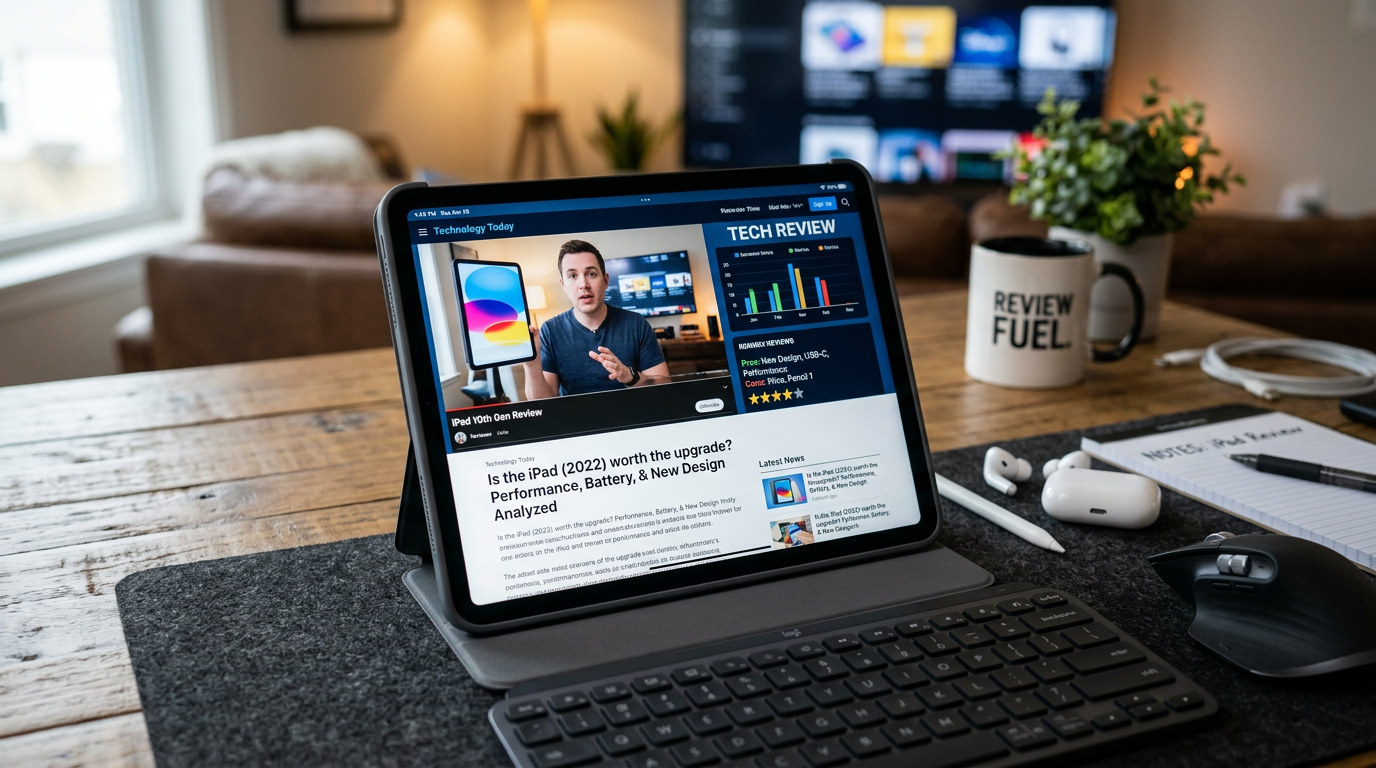
Apple iPad Review: The Definitive Benchmark of the Everyday Tablet
When Steve Jobs first introduced the iPad, critics famously dismissed it as merely an oversized iPhone. Yet over more than a decade of hardware refinements, custom silicon architecture, and dedicated operating system evolution, the standard Apple iPad has quietly become the single most dominant personal computing tablet on the planet. It serves as an digital notepad for students, a primary workstation for field workers, a portable canvas for digital artists, and the default media consumption slate for households worldwide.
With its modern all-screen redesign—retiring the physical Home button in favor of uniform bezels, flat aluminum sides, USB-C connectivity, and a landscape-oriented front camera—the standard baseline iPad has bridged the gap between entry-level accessibility and pro-tier aesthetics. In this comprehensive Apple iPad review, we unpack every dimension of Apple’s flagship tablet: display engineering, A-series chip silicon performance, iPadOS multitasking mechanics, accessory support, and real-world long-term battery endurance.
Table of Contents
- 1. Industrial Design & Ergonomics: The All-Screen Evolution
- 2. Display Analysis: Liquid Retina & Visual Fidelity
- 3. Silicon Throughput: A-Series Architecture & Benchmarks
- 4. Software Experience: iPadOS, Split View & File Management
- 5. Camera Engineering: The Landscape Front Sensor & Center Stage
- 6. Accessory Integration: Apple Pencil & Magic Keyboard Folio
- 7. Battery Endurance & Thermal Management
- 8. Comparative Analysis: Standard iPad vs. iPad Air vs. iPad mini
- 9. Complete Technical Specifications Matrix
- 10. Frequently Asked Questions (FAQs)
1. Industrial Design & Ergonomics: The All-Screen Evolution
The transition of the entry-level iPad to the flat-edged design language pioneered by the iPad Pro represents the most significant physical evolution in the tablet’s history. Replacing the decade-old curved aluminum back, thick top-and-bottom forehead bezels, and mechanical Touch ID Home button, the modern standard iPad presents a streamlined 10.9-inch front profile with uniform surrounding borders.
Crafted from 100% recycled aluminum, the chassis strikes an optimal balance between structural rigidity and lightweight portability. Weighing in at roughly 477 grams (1.05 pounds) with a slim profile measuring just 7mm thick, the slate rests comfortably in two hands during extended reading sessions or couch browsing.
Top-Button Touch ID & Speaker Realignment
To achieve thin, symmetrical display bezels without inflating manufacturing costs with Face ID true-depth sensors, Apple integrated the Touch ID fingerprint sensor directly into the top power button. The sensor registers prints rapidly, allowing users to unlock the device, authenticate password fills, and authorize Apple Pay purchases effortlessly with a quick resting touch.
Furthermore, the physical audio system was completely re-architected. Previous entry-level iPads placed both speaker grilles along the bottom edge near the Lightning port, rendering stereo sound ineffective when holding the device in landscape orientation. The modern iPad features true landscape stereo speakers positioned on opposite sides of the chassis, delivering rich acoustic separation during video playback and gaming.
“The transition to landscape stereo speakers and a top-button Touch ID sensor brings the baseline iPad up to modern design parity with Apple’s premium tablet offerings.”
2. Display Analysis: Liquid Retina & Visual Fidelity
Front and center is the 10.9-inch Liquid Retina display featuring an IPS LED panel with a resolution of 2360 x 1640 pixels at 264 pixels per inch (ppi). Pushing nearly 4 million total pixels, the panel displays crisp text, crisp vector graphics, and detailed photo assets.
The screen reaches a maximum typical brightness of 500 nits, which provides good outdoor readability under shade and excellent clarity in brightly lit office environments. Apple’s proprietary True Tone technology utilizes multi-channel ambient light sensors to continuously adapt the display’s color temperature to match ambient room lighting, significantly reducing eye fatigue during prolonged late-night study sessions.
Understanding Display Construction: Laminated vs. Non-Laminated
To keep repair costs manageable and maintain lower retail price points, the standard iPad uses a non-laminated display structure. Unlike the iPad Air or iPad Pro—where the cover glass, touch digitizer, and LCD panel are fused into a single seamless sandwich—the standard iPad retains a microscopic air gap between the top glass and the display matrix below.
While this non-laminated design produces a slight hollow tap sound when using the Apple Pencil and lacks an anti-reflective coating, it offers a massive practical benefit: if you crack the top protective glass, the glass lens can be replaced independently without needing to throw out the expensive LCD display panel underneath.
3. Silicon Throughput: A-Series Architecture & Benchmarks
Powering the standard iPad is Apple’s high-efficiency A-series system-on-a-chip (SoC) (such as the 5nm A14 Bionic). Featuring a 6-core CPU (comprising two high-performance execution cores and four high-efficiency cores), a 4-core GPU, and a dedicated 16-core Neural Engine, the chip delivers processing throughput that outpaces similarly priced Android tablets and budget Windows laptops.
Real-World Gaming & Productivity Benchmarks
In synthetic performance evaluations like Geekbench, the A-series silicon handles single-threaded tasks with rapid responsiveness. System animations remain butter-smooth, safari tabs reload instantaneously, and photo editing operations in apps like Pixelmator execute without stutter.
| Benchmark Category | Standard iPad Performance Metric | Real-World Application Impact |
|---|---|---|
| Geekbench Single-Core | ~1,580 – 1,620 | Lightning-fast app launch times, fluid UI transitions, responsive web rendering. |
| Geekbench Multi-Core | ~4,100 – 4,350 | Effortless 4K video export handling in LumaFusion, smooth multi-app multitasking. |
| 3DMark Wild Life Extreme | ~2,450 (14.7 FPS average) | Sustained 60 FPS gameplay in demanding titles like Genshin Impact at medium-high settings. |
| Neural Engine AI Tasks | 11 Trillion Operations/Sec | Instant background removal in Photos, real-world text extraction from live camera feeds. |
The 16-core Neural Engine accelerates machine learning tasks across the system. Features like Live Text—which allows users to highlight, copy, translate, or search text directly inside video frames or static images—run entirely on-device in real-time without sending private data to cloud servers.
4. Software Experience: iPadOS, Split View & File Management
Hardware is only half the story; the true power of the tablet lies in iPadOS. Designed specifically to leverage touch-first widescreen real estate, iPadOS turns the slate into a capable workstation for content creation and document management.
Multitasking via Split View & Slide Over
While power users requiring flexible overlapping windows might look to Stage Manager on M-series iPads, the standard iPad utilizes intuitive touch-based window management via Split View and Slide Over:
- Split View: Allows two applications—such as Safari and Apple Notes—to run side-by-side in equal or 70/30 split ratios. You can drag and drop images, formatted text snippets, or web link URLs directly across the center partition line between apps.
- Slide Over: Keeps a secondary floating app window (e.g., Messages, Calculator, or Spotify) tucked off to the side of the screen, ready to slide into view with a single edge-swipe gesture.
Files App & Desktop-Class Safari
The built-in Files application offers robust directory access for local internal storage, iCloud Drive directories, and connected external USB-C flash drives or SSDs. Furthermore, Safari operates as a full desktop-class browser by default, correctly serving desktop sites like Google Docs, WordPress, and Figma without falling back on simplified mobile layouts.
5. Camera Engineering: The Landscape Front Sensor & Center Stage
For years, every iPad placed its front-facing FaceTime camera along the short top edge. When placed horizontally into a keyboard dock or propped up on a desk stand for video conference calls, users appeared off-center, staring off at awkward side angles. The modern standard iPad solves this long-standing issue by featuring a Landscape 12MP Ultra Wide front camera positioned along the long horizontal bezel.
Center Stage Auto-Framing Mechanics
Leveraging the 122-degree ultra-wide field of view and the Neural Engine, Apple’s Center Stage technology dynamically pans and zooms the camera view frame in real-time as you move around your desk or room during Zoom, Google Meet, or FaceTime calls. If a second person steps into the camera frame, the system automatically widens its field of view to comfortably frame both participants.
On the rear, a upgraded 12MP Wide camera with an f/1.8 aperture supports 4K video recording at up to 60 fps and document scanning with automatic edge detection and shadow elimination.
6. Accessory Integration: Apple Pencil & Magic Keyboard Folio
The standard iPad’s versatility scales dramatically when paired with Apple’s dedicated accessory ecosystem, transforming the slate from a consumption screen into an interactive note-taking and typing tool.
Apple Pencil Compatibility Nuances
The standard 10th-generation iPad supports the Apple Pencil (USB-C) and the original Apple Pencil (1st generation). The USB-C Apple Pencil attaches magnetically to the side edge of the tablet for secure storage and pairs/charges via a sliding USB-C port hidden under its end cap. It offers low latency, pixel-perfect precision, and tilt sensitivity, making it ideal for taking lecture notes in Goodnotes or annotating PDFs in Notability.
Keyboard Versatility: Magic Keyboard Folio
Designed specifically for the standard iPad, the Magic Keyboard Folio features a clever two-piece modular design. It includes a protective back cover with an adjustable kickstand and a detachable magnetically latching keyboard tray. Crucially, it includes a 14-key function row (brightness, volume, media controls) and a multi-touch click-anywhere trackpad for precise cursor navigation.
7. Battery Endurance & Thermal Management
Equipped with a 28.6-watt-hour rechargeable lithium-polymer battery, the standard iPad routinely fulfills Apple’s classic “10-hour battery life” promise. Thanks to the efficiency of the A-series chip silicon and iPadOS power management, the tablet sips power conservatively during idle and light workloads.
Real-World Endurance Benchmarks
- Continuous Web Browsing (Wi-Fi at 150 nits): ~10 hours and 45 minutes.
- 4K Video Streaming (YouTube/Netflix): ~10 hours and 15 minutes.
- 3D Gaming (Genshin Impact / Call of Duty Mobile): ~4 hours and 30 minutes.
The adoption of a standard USB-C charging port means users no longer need to carry proprietary Lightning cables. The tablet supports fast charging via standard USB Power Delivery (USB-PD) bricks, charging from 0 to 50% in roughly 45 minutes using the included 20W power adapter.
8. Comparative Analysis: Standard iPad vs. iPad Air vs. iPad mini
Choosing the right tablet within Apple’s lineup requires evaluating performance requirements against retail pricing. Here is how the standard iPad stack up against its siblings:
| Model Feature | Standard iPad | iPad Air | iPad mini |
|---|---|---|---|
| Screen Size | 10.9-inch Liquid Retina | 10.9-inch or 11/13-inch | 8.3-inch Liquid Retina |
| Display Tech | Non-laminated, sRGB color | Fully laminated, P3 wide color, Anti-reflective | Fully laminated, P3 wide color, Anti-reflective |
| Processor | A-Series (e.g., A14 Bionic) | M-Series (M1 / M2 Silicon) | A-Series (e.g., A15 / A17 Pro) |
| Front Camera Position | Landscape Edge (Ideal for calls) | Landscape / Portrait depending on gen | Portrait Edge |
| Stage Manager Support | No (External display mirror only) | Yes (Full external display support) | No |
| Target Audience | Students, families, general users | Creators, power users, pros | Ultra-portable readers, pilot kneeboards |
9. Complete Technical Specifications Matrix
Detailed technical specifications breakdown for the standard Apple iPad:
| Hardware Component | Technical Specification Detail |
|---|---|
| Display Size & Resolution | 10.9-inch LED-backlit IPS Multi-Touch display, 2360 x 1640 resolution (264 ppi) |
| Display Features | 500 nits peak brightness, True Tone display technology, Fingerprint-resistant oleophobic coating |
| System Silicon (SoC) | A14 Bionic chip (6-core CPU, 4-core GPU, 16-core Neural Engine) |
| Storage Options | 64GB or 256GB internal flash storage |
| Wireless Connectivity | Wi-Fi 6 (802.11ax) with 2×2 MIMO; optional 5G Cellular (Sub-6 GHz) with eSIM |
| Front Camera | Landscape 12MP Ultra Wide camera (f/2.4 aperture, Center Stage auto-framing, 1080p video) |
| Rear Camera | 12MP Wide camera (f/1.8 aperture, 4K video recording up to 60 fps, Smart HDR 3) |
| Biometric Security | Touch ID integrated into top power button |
| Audio System | Landscape orientation stereo speakers; dual micro-phone array |
| Port Architecture | USB-C port with support for charging, DisplayPort out, and USB 2.0 data transfer (up to 480 Mbps) |
| Physical Dimensions | 248.6 mm x 179.5 mm x 7.0 mm (9.79 in x 7.07 in x 0.28 in) |
| Weight | 477 grams (1.05 lbs) Wi-Fi model; 481 grams (1.06 lbs) Wi-Fi + Cellular model |
10. Frequently Asked Questions (FAQs)
Yes, the standard Apple iPad is widely considered the best overall value tablet for students. Paired with an Apple Pencil for handwriting notes in lectures and a keyboard cover for typing essays, it handles everyday academic tasks like reading textbooks, annotating PDFs, and joining video calls with ease.
The standard iPad uses an A-series processor and a non-laminated sRGB display screen. The iPad Air steps up to an M-series Apple Silicon chip (M1/M2), a fully laminated display with P3 wide color and anti-reflective coatings, magnetic Apple Pencil charging along the edge, and faster USB-C transfer speeds.
The 10th-generation standard iPad is compatible with the Apple Pencil (USB-C) and the original Apple Pencil (1st generation, which requires a USB-C to Apple Pencil adapter to pair and charge). It does not support the magnetically charging Apple Pencil 2 or Apple Pencil Pro.
In real-world web browsing and video streaming tests over Wi-Fi, the standard iPad consistently delivers between 10 and 11 hours of active screen-on battery life, easily lasting a full day of classes or office work.